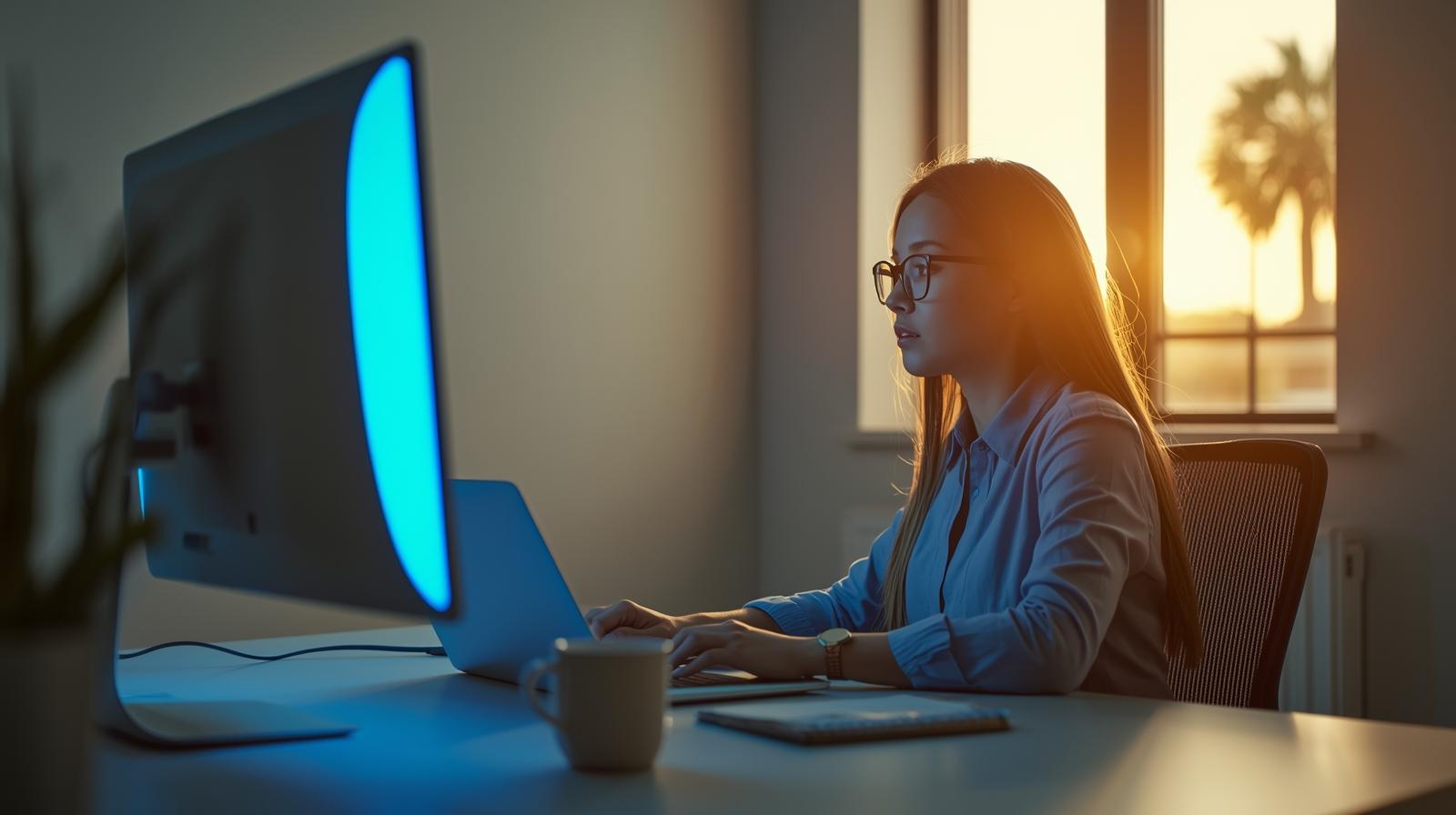
If you’re like many people in Palm Beach Gardens, your day probably looks something like this: checking your phone in the morning, working on a laptop or desktop for hours, hopping on Zoom calls, scrolling social media, and maybe streaming a show at night.
All of that screen time adds up—and your eyes feel it. Dryness, blurred vision, tightness around the temples, and headaches at the end of the day are all signs of digital eye strain.
That’s why more locals are turning to computer glasses Palm Beach Gardens professionals recommend for comfort and clarity during long hours in front of screens. At Optical Gallery Palm Beach Gardens, we design custom computer eyewear that supports your work, protects your eyes, and still looks great in the office or at your favorite café on PGA Boulevard.
First, What Are Computer Glasses?
Computer glasses are prescription or non-prescription eyeglasses optimized specifically for screen distance and digital environments. They can include:
- A prescription designed for mid-range (computer) distance
- Blue light filtering to reduce exposure to high-energy visible (HEV) blue light
- Anti-reflective coatings to cut glare from monitors and overhead lighting
- Lens designs that support both computer and near work (for reading documents)
Unlike standard single-vision distance glasses or readers, computer glasses Palm Beach Gardens workers use are tailored to the 18–28 inch viewing range where most monitors sit. This can dramatically reduce eye strain, neck strain, and fatigue.
Why Computer Glasses Matter in Palm Beach Gardens
Palm Beach Gardens isn’t just about golf courses and sunshine—there are plenty of professionals, remote workers, students, and entrepreneurs spending full workdays on screens.
Common symptoms many locals quietly deal with include:
- Burning or tired eyes at the end of the day
- Blurry vision when shifting focus from screen to distance
- Headaches across the forehead or behind the eyes
- Neck and shoulder tension from leaning in toward the monitor
Computer glasses can help by:
- Providing the right focal power for your screen distance
- Reducing glare and harsh reflections
- Filtering a portion of blue light, which may help with comfort and sleep patterns
- Encouraging more natural posture so you’re not leaning forward to see clearly
For many people in Palm Beach Gardens, the difference between regular lenses and dedicated computer glasses is like the difference between working in sandals versus supportive shoes—once you feel the upgrade, it’s hard to go back.
Next, What Types of Computer Glasses Are Available?
At Optical Gallery, we don’t believe in one-size-fits-all. We’ll walk you through different options so you can choose computer glasses Palm Beach Gardens residents actually enjoy wearing.
1. Single-Vision Computer Glasses
These lenses are set for one specific mid-range distance—typically your monitor distance.
They’re ideal if:
- You’re younger or don’t yet need reading help
- You spend long blocks of time focused on one primary screen
- You want the widest, clearest field of view at that distance
Single-vision computer lenses can be made with or without blue light filtering and anti-reflective coatings.
2. Occupational / Office Progressive Lenses
Office progressives (sometimes called “computer progressives”) are designed for multi-zone indoor vision, usually covering:
- Near (reading papers, phone, tablet)
- Intermediate (computer, secondary screens)
They typically do not prioritize far distance (like driving), so the entire lens area can be used for near and mid-range work—perfect for:
- Multi-monitor setups
- People who read documents and look at a screen constantly
- Teachers, managers, and anyone who needs to see both desk and people across a conference table
For many Palm Beach Gardens professionals, these are the ideal “work glasses” kept at their desk.
3. Blue Light Computer Glasses
Blue light lenses add a blue-violet light filter to the lens material or coating. This can:
- Reduce perceived glare from LED screens
- Provide more visual comfort for long digital sessions
- Potentially support more natural sleep if you use screens at night
You can add blue light filtering to single-vision, progressive, or office lenses—meaning your computer glasses Palm Beach Gardens solution can be customized exactly how you want.
Meanwhile, Frame Style Still Matters
Just because they’re “computer glasses” doesn’t mean they shouldn’t look good. At Optical Gallery, we’ll help you choose frames that:
- Fit comfortably for extended wear at a desk
- Sit properly on the nose so you’re lined up with the correct viewing zones
- Complement your style—professional, casual, bold, or minimalist
Popular frame types for office and computer use include:
- Lightweight acetate or titanium frames that don’t dig in
- Slightly deeper frame shapes that give your lenses enough vertical space (especially for office progressives)
- Neutral colors for a professional look, or subtle two-tone designs for a bit of flair
Since many people keep their computer glasses at their workstation, some choose a more playful design they might not pick for everyday wear—your little secret style upgrade.
How We Customize Computer Glasses at Optical Gallery
When you visit Optical Gallery for computer glasses in Palm Beach Gardens, we don’t just plug numbers into a formula. We ask questions about how you actually use your eyes:
- How many hours per day do you spend on screens?
- Do you use a laptop, desktop, or multiple monitors?
- How far is your screen from your eyes (approximately)?
- Do you also read printed documents at your desk?
- Do you join video calls often?
From there, we:
- Review your current prescription and eye health history.
- Determine the ideal working distance for your main screen.
- Recommend lens designs (single-vision, office progressive, etc.).
- Discuss coatings and upgrades like blue light filtering and anti-reflective layers.
- Help you select frames that fit your face and your work environment.
The result is a pair of computer glasses Palm Beach Gardens clients often describe as “a game changer” for their comfort and productivity.
Reducing Digital Eye Strain: Lifestyle Tips to Use With Computer Glasses
Computer glasses are powerful tools, but they work even better with a few simple habits:
- Follow the 20-20-20 Rule: Every 20 minutes, look at something 20 feet away for 20 seconds.
- Adjust Screen Height: Ideally, the top of your monitor should be at or slightly below eye level.
- Increase Blink Rate: We blink less when focused on screens—consciously blinking helps reduce dryness.
- Use Proper Lighting: Avoid strong overhead glare or bright windows directly behind or in front of your screen.
We’re happy to share ergonomic suggestions tailored to your workstation and lifestyle when you come in for your fitting.
Finally, Is It Time to Invest in Computer Glasses?
If you recognize yourself in any of these:
- You end most days with tired, burning, or red eyes.
- You get headaches after long stretches on the computer.
- You find yourself leaning in to see the screen clearly.
- You work remotely or in an office setting for 6+ hours a day.
…then it may be time to explore computer glasses Palm Beach Gardens options at Optical Gallery.
They’re not just another pair of glasses—they’re a tool for comfort, productivity, and long-term eye health in a digital world.
Visit Optical Gallery Palm Beach Gardens
📍 Optical Gallery – Palm Beach Gardens (PGA Commons)
📞 Phone: (561) 799-9980
🌐 Website: www.opticalgallerypga.com
Stop in, bring your prescription (or let us help you get updated), and ask about computer glasses Palm Beach Gardens locals rely on for more comfortable screen time—at the office, at home, and everywhere in between.